
Employee App
Cut scheduling mix-ups, no-shows and missed messages with one mobile app your Canadian shift-based team keeps in their pocket.

The employee app built for hourly, shift-based teams
Hourly managers aren't at a desk. They're on the floor, on the line, at the counter, or between sites. The Tanda app gives them the tools to run the team from their phone: approve leave, swap shifts, message staff, see who's clocked in, and handle the small decisions that keep the shift running, all without walking back to the office.
Skip the back office trip
Handle timesheets, leave approvals, and shift changes from the app in a few minutes instead of staying late at a desktop. Managers spend more time coaching the team and less time buried in admin.
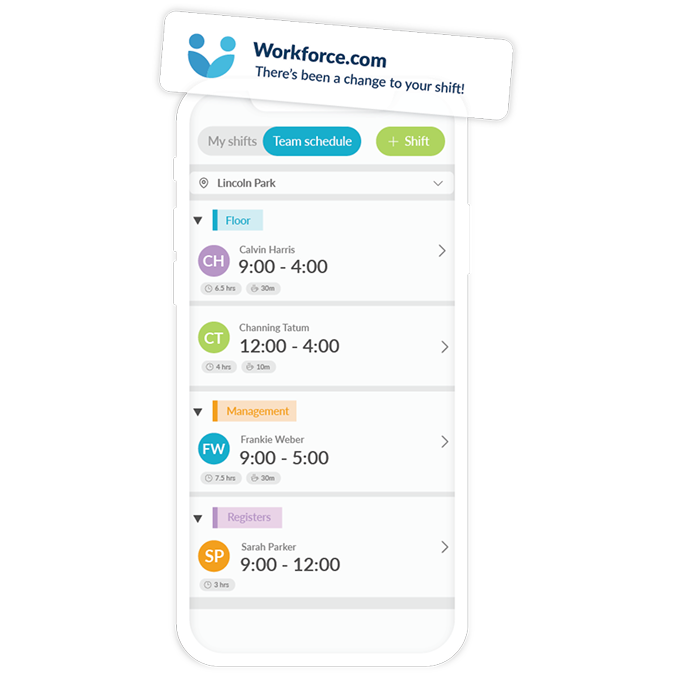
Who's at work today?
See who's scheduled, when they're due to start, and which location they're at. Keep tabs on multiple teams and venues in one view without calling each site.
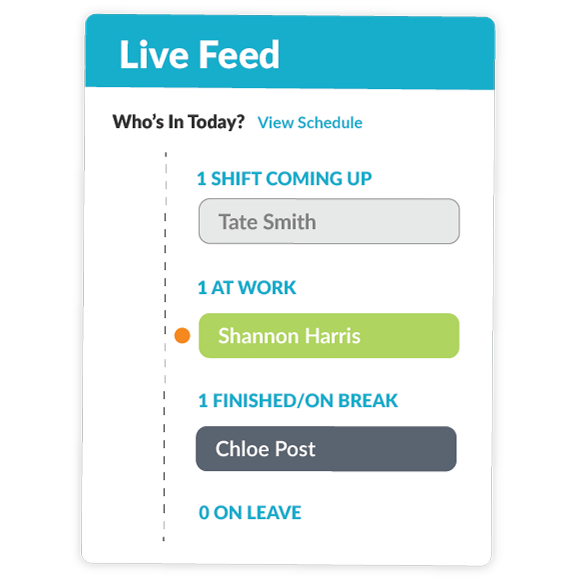
Edit schedules on the go
Unexpected change and you're not near a computer? Edit shifts in the app with all the staff info you need (availability, overtime status, qualifications) right there as you make the call.
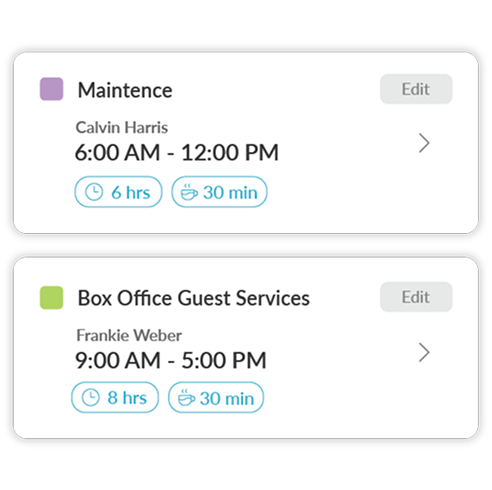
Shift swapping and messaging in one place
Post shifts for pickup, message the team, and let the app surface qualified replacements. Skip the group chat scramble when someone calls out; the app finds the right person instead.
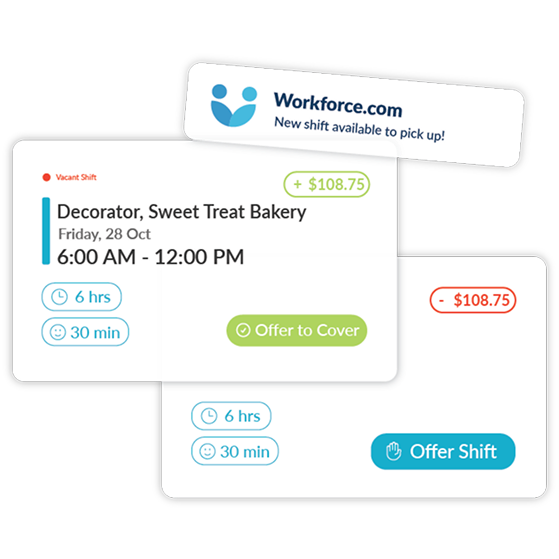
Never be out of the loop
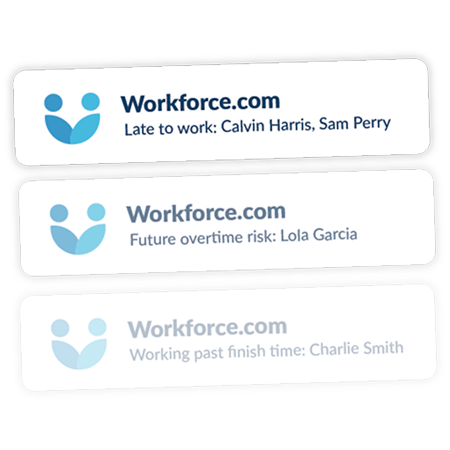
Key alerts notify managers when staff are late, running over scheduled hours, heading into unexpected overtime, or skipping mandatory breaks. The things you used to walk the floor to catch now come straight to your phone.
trusted by businesses great and small
.png)
.png)
.png)
.avif)
.png)
.png)
Frequently asked questions
Yes, Tanda has an Employee Scheduling App. Tanda’s mobile app has been built over many years and includes a comprehensive array of features, including:
1. Schedule Creation and Management: Tanda’s Employee Scheduling App allows the creation and management of employee schedules, including the ability to add or remove shifts, assign employees to shifts, and set shift start and end times.
2. Time Tracking: Tanda’s Employee Scheduling App allows employees to clock in and out of their shifts, and track their working hours.
3. Availability and Time Off Requests: Tanda allows employees to set their availability, request time off, and receive approval or denial from the employer or manager.
4. Communication: Tanda’s employee scheduling app provides a platform for employers and employees to communicate regarding the schedule, shift changes, and time off requests.
5. Shift Swapping and Coverage: Tanda’s employee scheduling app allows employees to request shift swaps with other employees and for employers or managers to find coverage for unfilled shifts.
6. Payroll Integration: Tanda integrates with payroll systems to accurately track hours worked and calculate employee pay.
7. Reporting and Analytics: Tanda provides data and insights on employee scheduling patterns, employee attendance, and labour costs.
Overall, Tanda’s employee scheduling app should simplify the scheduling process, increase efficiency, reduce scheduling conflicts, and improve communication between employers and employees.
We believe that Tanda is the best Employee Scheduling App. Tanda’s app allows employees to receive and accept schedules, swap shifts, track time and communicate with management, amongst a variety of other features. It makes managing your staff easy.
An employee scheduling app can offer several benefits to businesses, including:
1. Time-saving: Scheduling can be a time-consuming task, especially if you have a large team or operate multiple locations. An employee scheduling app can automate the process, saving you time and reducing errors.
2. Flexibility: An employee scheduling app can allow employees to request time off or swap shifts with coworkers, which can improve employee satisfaction and reduce the burden on managers.
3. Communication: An employee scheduling app can help managers communicate changes to the schedule, new policies, or other important information to employees quickly and efficiently.
4. Cost-effective: By automating the scheduling process, an employee scheduling app can help reduce labour costs by eliminating the need for manual scheduling or third-party scheduling services.
5. Data analysis: An employee scheduling app can provide valuable insights into labour costs, employee availability, and other key metrics that can help you optimize your scheduling process and improve your business operations.
Overall, an employee scheduling app can help you streamline your scheduling process, reduce costs, improve communication, and enhance employee satisfaction, making it a valuable investment for many businesses.
Deciding whether to switch from paper schedules to a scheduling app depends on a variety of factors, including the size of your organization, the complexity of your scheduling needs, and the resources available to you. Here are some factors to consider:
1. Ease of Use: Scheduling apps can be more user-friendly and convenient than paper schedules, allowing you to make updates and changes easily.
2. Accessibility: With a scheduling app, your employees can access their schedules from their smartphones, tablets, or computers, ensuring that they always know when they’re working.
3. Efficiency: Scheduling apps can save you time by automating tasks such as shift scheduling, shift swapping, and time-off requests.
4. Security: With a scheduling app, you can ensure that your employee data is secure and protected.
Ultimately, the decision to switch from paper schedules to a scheduling app depends on your organization’s specific needs and resources. If you have a large team with complex scheduling needs, a scheduling app may be a good investment. If you have a smaller team with simpler scheduling needs, paper schedules may be sufficient.
Yes. Tanda automatically notifies managers when an employee misses a clock-in or clock-out for their scheduled shift. Employees also receive reminders on the mobile app if they forget to punch in or out, helping catch missing time entries before they cause payroll errors.
You can configure alerts by role, so managers, admins, or employees receive the right notifications for their level. A configurable grace period means alerts only trigger after a set window of time, reducing noise from minor late arrivals.
Employees can also correct their own missing punches through the self-service mobile app, with changes sent to their manager for approval, keeping timesheets accurate without the back-and-forth.

Ready to take workforce management to the next level?
Manage your business processes in a single system, from onboarding through to payroll.
SEE TANDA