
Scheduling
Build accurate schedules in minutes using templates and drag-and-drop editing, with live wage costs in CAD that update as you assign every shift.
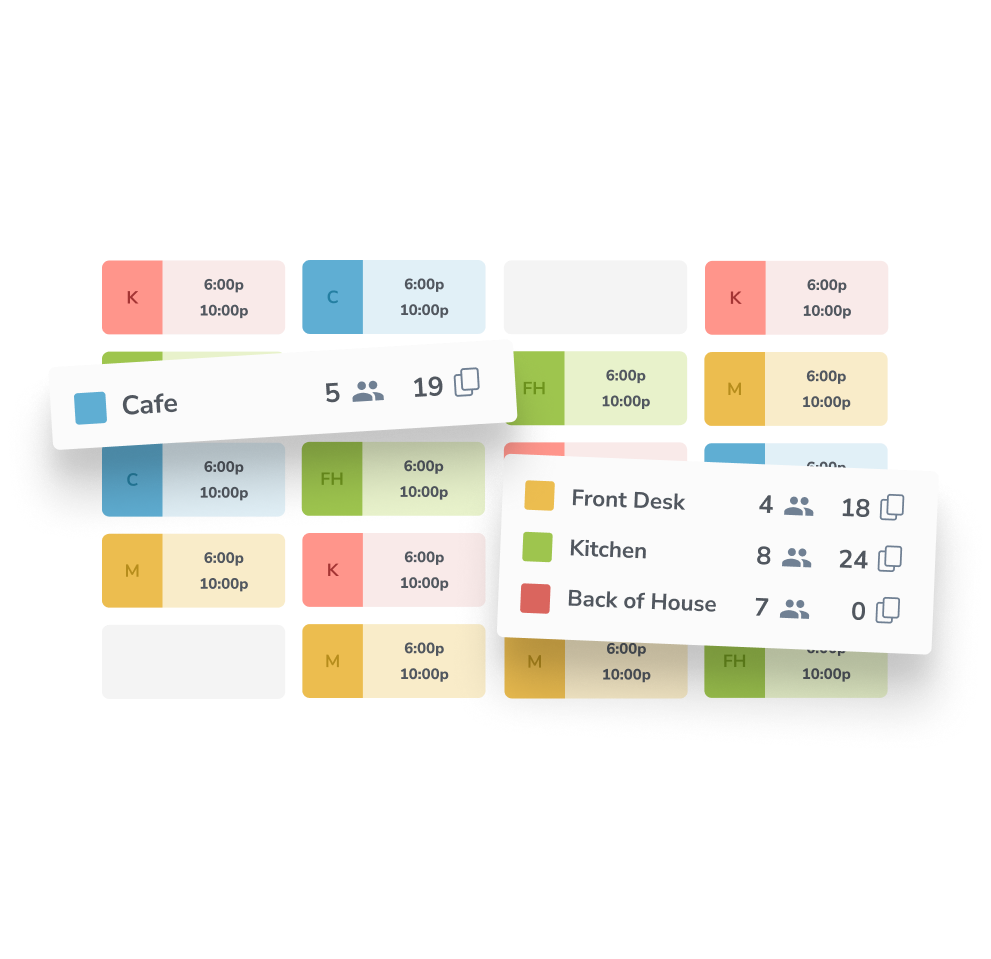
The scheduling editor your managers will actually use
Spreadsheet scheduling eats hours every week and publishes errors that managers only catch mid-shift. Tanda replaces the spreadsheet with a purpose-built scheduling editor: drag shifts onto the grid, watch wage costs and staffing levels update in real time, and publish to every employee's phone in a single click.
Build and publish schedules in minutes
Drag-and-drop shifts onto the week, duplicate patterns from saved templates, and publish in one click. Staff get push notifications the moment the schedule goes live, with the shift details already on their phone.
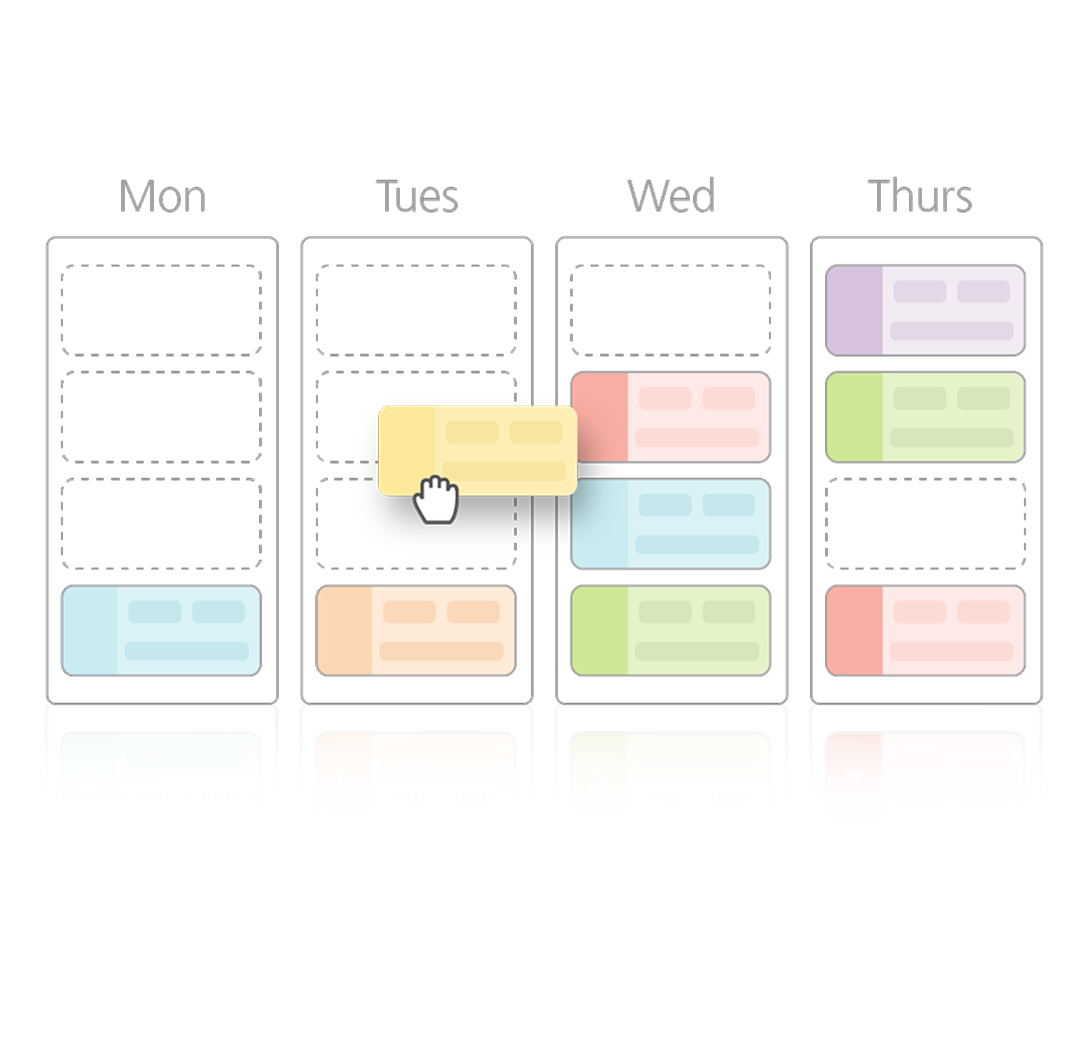
Live wage costs as you schedule
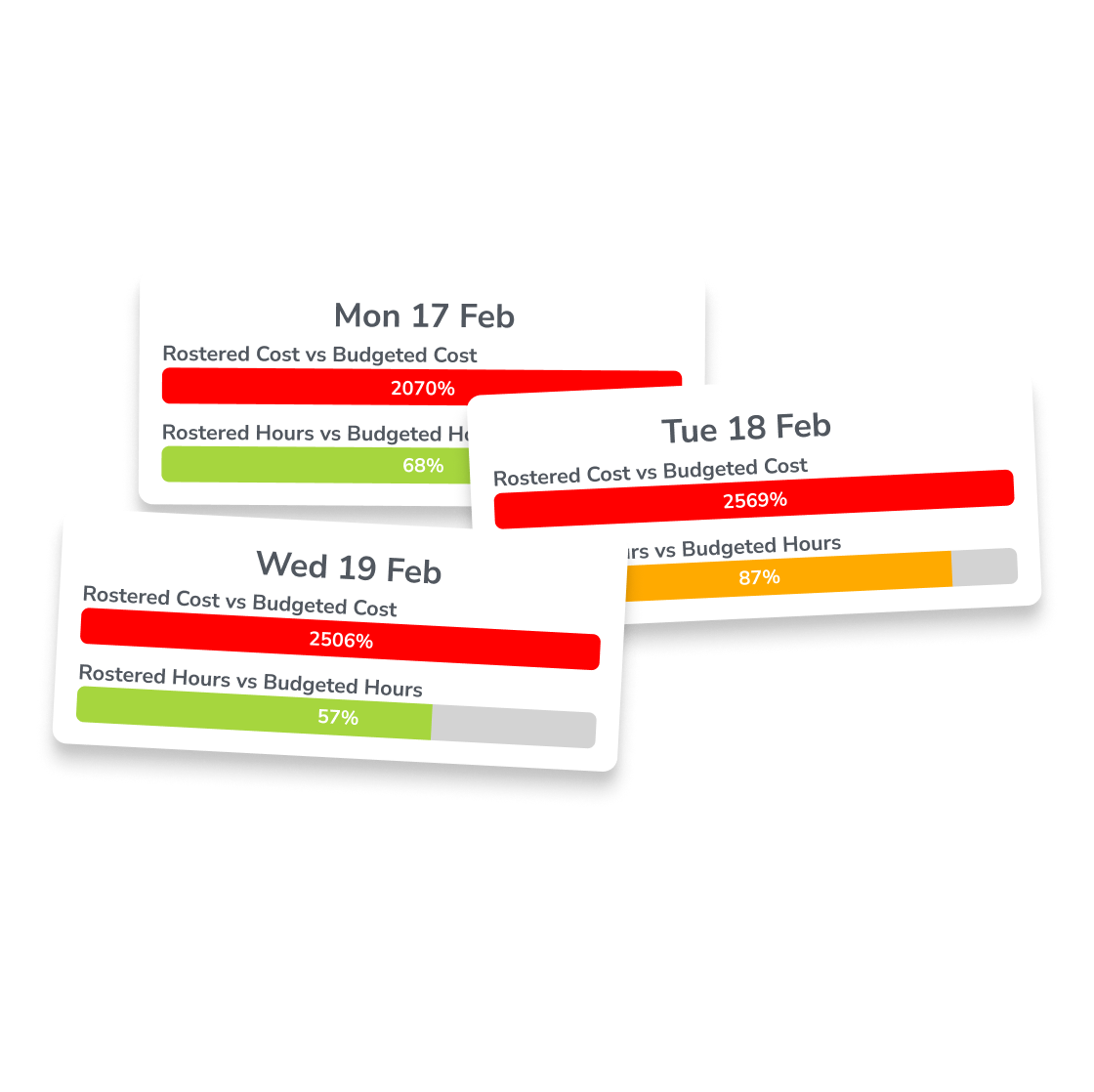
See wage cost, scheduled hours, and budget variance update on every drag and drop. Managers can trim, extend, or swap shifts to hit their labour budget before publishing, instead of discovering over-spend at end of week.
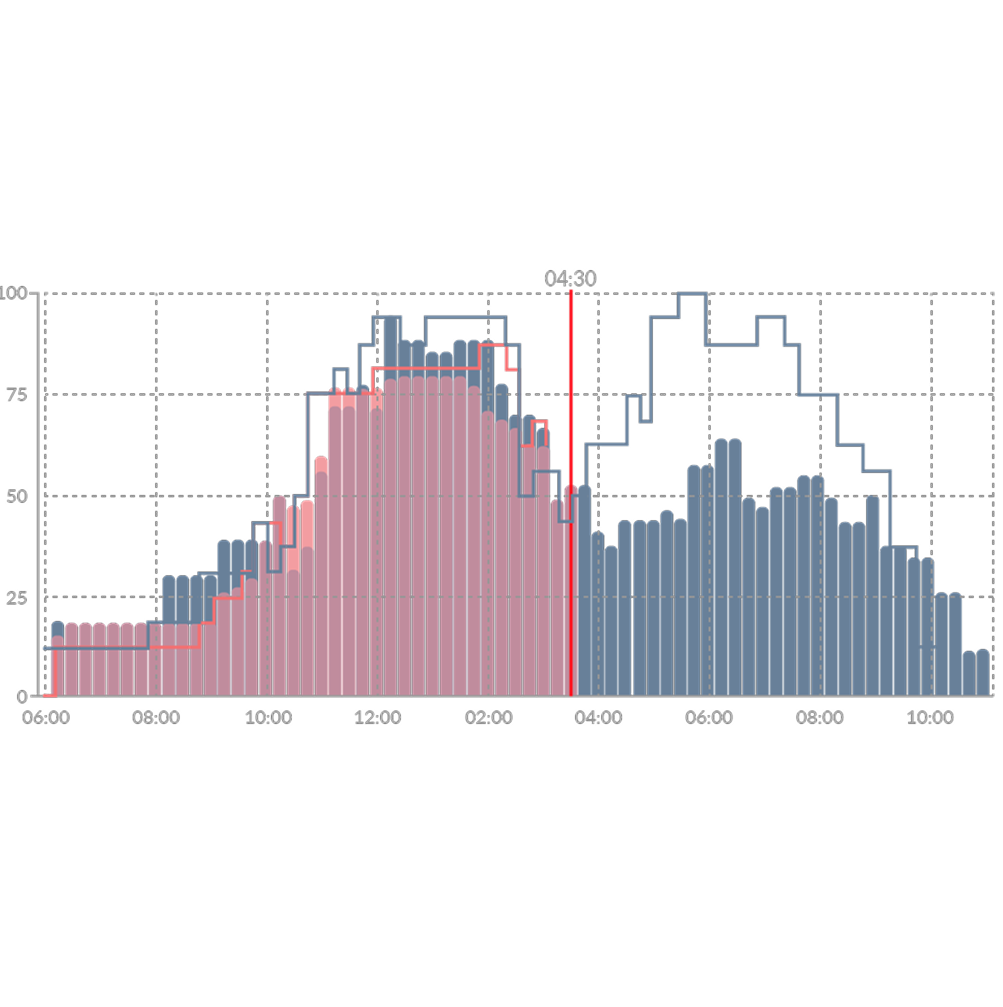
Staffing ratios and visibility across every location
Set staffing ratios (one front-of-house per 10 covers, one RN per 4 residents, one cashier per $1000 in forecasted sales) and see at a glance whether every team and every location is hitting them. District managers and multi-site operators get consistent oversight without calling each store.
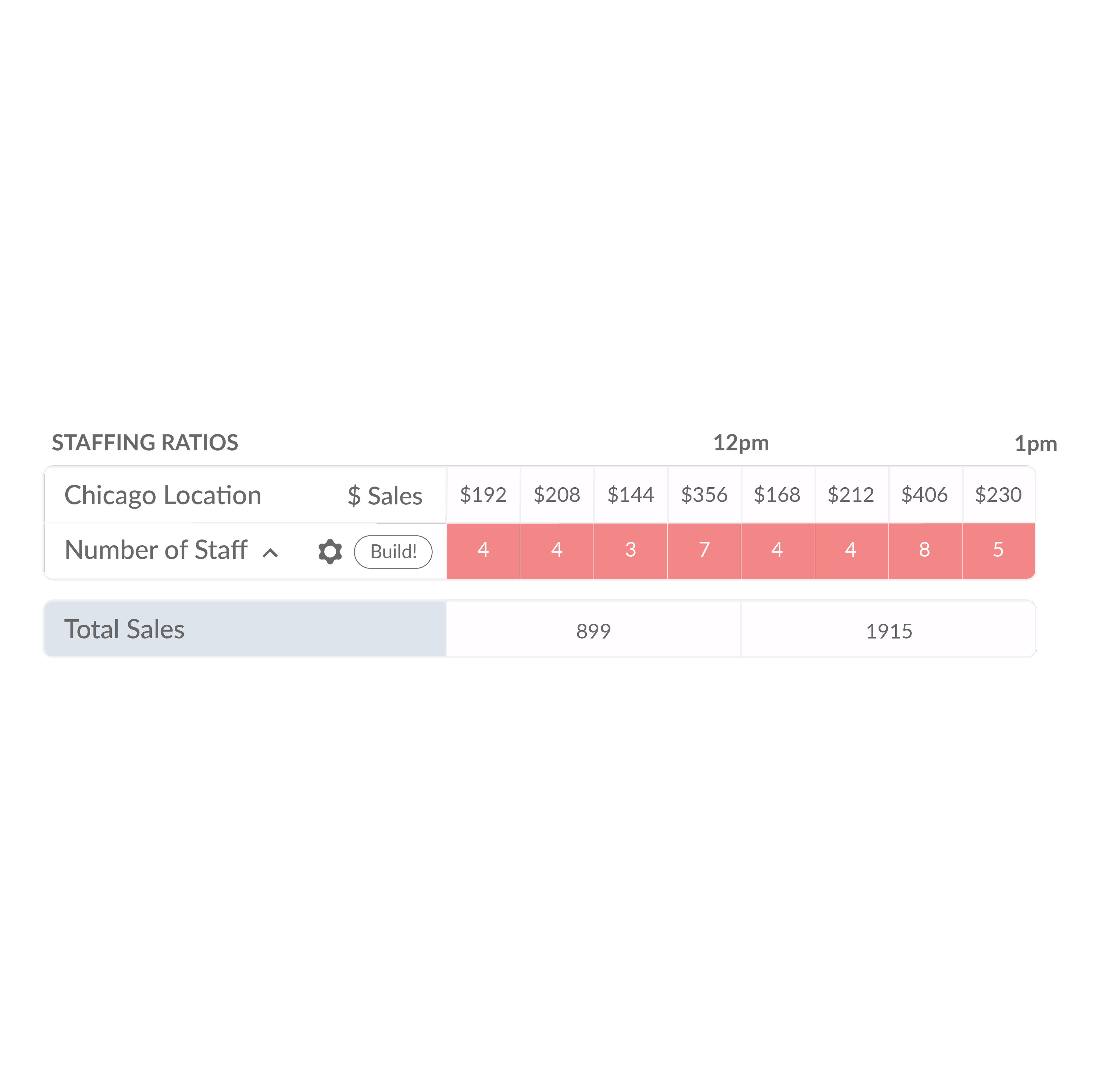
Hit your labour budget every week
Set weekly budget targets by team, location, or region and see progress against them as you schedule. Managers can track wage percentage of sales, hours scheduled against budgeted hours, and overtime risk in real time, so schedules stay on budget before publishing instead of being cleaned up after the fact.
Automatic compliance before you publish
Every schedule is checked against provincial employment standards as you build it: maximum daily and weekly hours, minimum rest periods between shifts, overtime thresholds, and rules for minors. Compliance issues surface before you hit publish, not after an Employment Standards complaint.
trusted by businesses great and small
.png)
.png)
.png)
.avif)
.png)
.png)
Frequently asked questions
Yes. Time theft is one of the most common hidden costs for businesses with hourly employees, and Tanda is built to close the loopholes that allow it to happen.
Selfie clock-ins and unique passcodes make buddy punching virtually impossible: only the right person can clock in for their own shift. GPS tracking and geofencing verify that employees are physically at their designated worksite when they punch in, which is particularly useful for businesses with staff working across multiple locations.
Break tracking ensures employees clock out and back in for breaks, preventing unauthorized extended breaks from going unnoticed. Because scheduled hours are compared against actual punch times in real time, managers can spot and address discrepancies before they reach payroll.
Payroll errors almost always start before payroll runs: they come from inaccurate or incomplete time data. Tanda addresses this by ensuring time data is clean and verified long before a pay run begins.
Scheduled shifts are linked directly to actual clock-in and clock-out times, so any discrepancy is immediately visible. Timesheets that match scheduled hours can be auto-approved, while those with variances are flagged for manager review.
For Canadian employers, this is particularly valuable. With overtime rules and pay requirements varying by province, having a system that automatically applies the correct rates based on where and when your employees work means you can process payroll with confidence.
No. Tanda is entirely web-based, so there is no hardware to purchase.
Employees can clock in and out in two ways. The first is through the Tanda mobile app on their own iOS or Android device, using selfie verification and GPS to confirm their identity and location. The second is through a kiosk app, which you can download onto any existing tablet and set up on-site as a shared clock-in point.
Both options give you the same accurate, verified time data, without the cost or maintenance of dedicated hardware.
Tanda tackles overtime at two points: during scheduling, and during the shift itself.
During scheduling, demand forecasting helps managers build shifts based on expected workload. The system also flags any shift that would put an employee into overtime before it's published, giving managers the chance to adjust before it becomes a problem.
During the shift, managers receive real-time alerts when an employee is approaching their overtime threshold. For Canadian employers, this is particularly valuable given that overtime rules vary by province: Tanda automatically applies the correct overtime thresholds based on your location.
Yes, and the two work best when used together.
The time and attendance side focuses on recording hours: tracking clock-ins, clock-outs, breaks, and generating payroll-ready timesheets. Scheduling is a separate but fully connected module within the same platform. When you pair them together, scheduled shifts feed directly into time and attendance, so the system can automatically compare what was planned against what actually happened.
For Canadian businesses, the scheduling module also automatically applies provincial rules around minimum hours between shifts, rest periods, and maximum weekly hours, so every schedule you publish is compliant from the start.

Ready to take workforce management to the next level?
Manage your business processes in a single system, from onboarding through to payroll.
SEE TANDA